
AI copywriting in your brand voice
From a short brief to on-brand copy
Set up your brand voice once. After that, every LinkedIn post, ad and email subject line starts from a short brief and comes out in your voice.
- Brand voice
- Template
- Refine
- Export
Free plan · No credit card
Visual identity
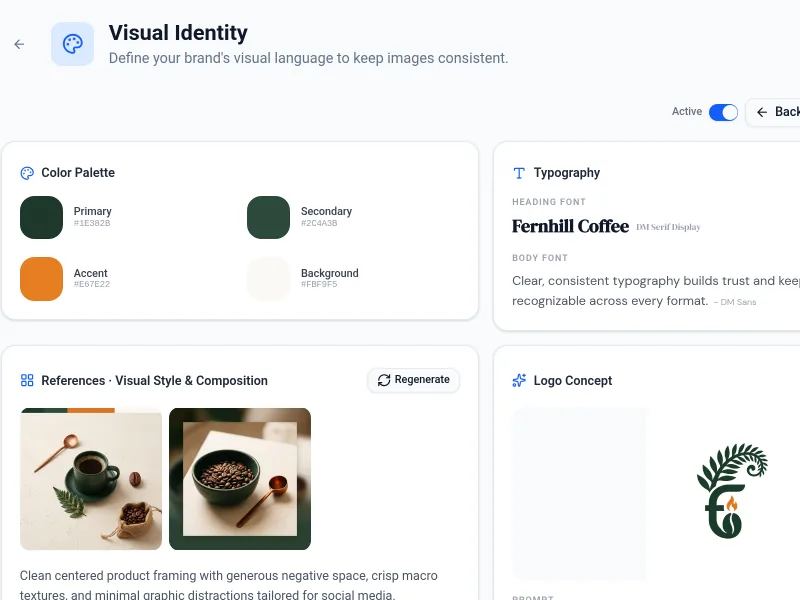
DM Serif Display
DM Sans
LinkedIn Post
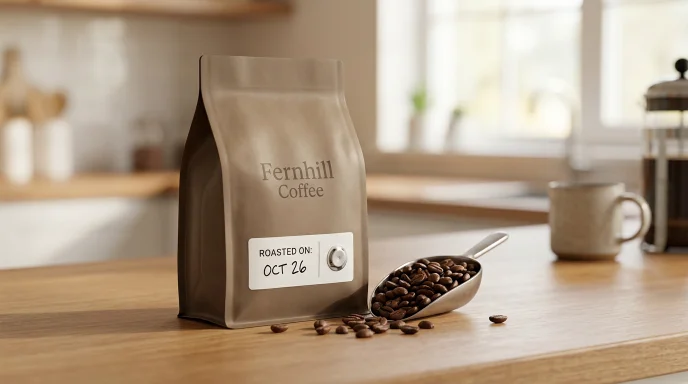
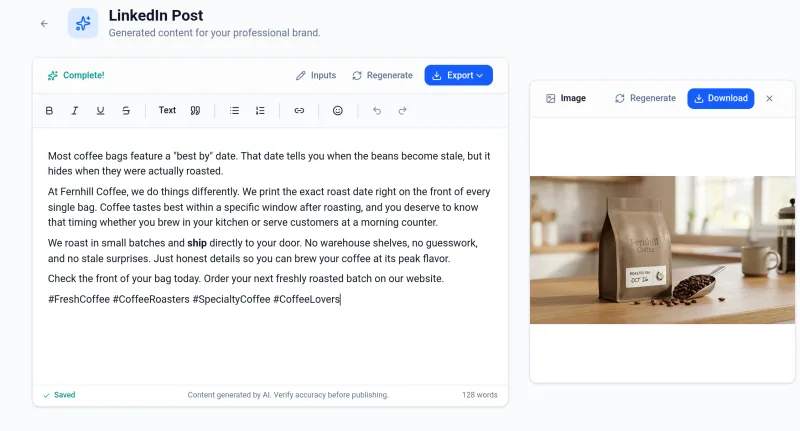
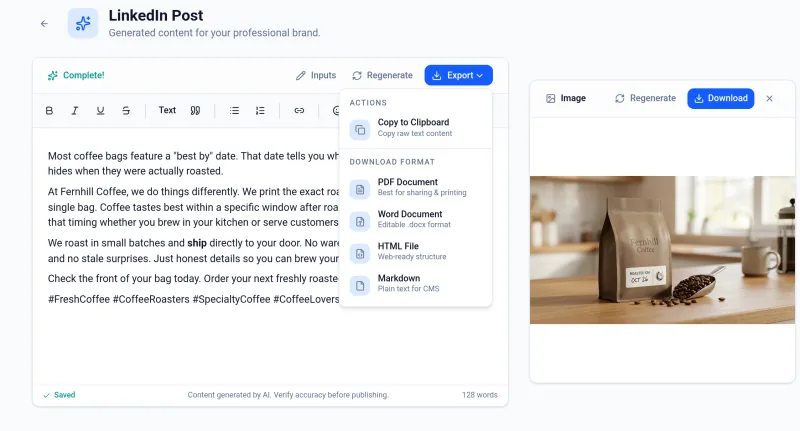
Most coffee bags feature a "best by" date. That date tells you when the beans become stale, but it hides when they were actually roasted.
Facebook Ad
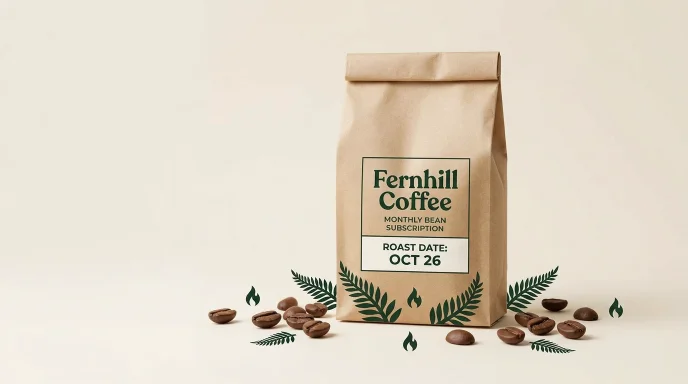
Fresh Roasted Coffee Every Month
Google RSA
- Fresh Coffee Beans Shipped
- Whole Bean Coffee Subscription
- Fresh Coffee Beans to You
- Roasted Monday Shipped Tuesday
Email Subject Lines
- [First Name], fresh Colombia lot roasted now
- New Colombia seasonal single-origin is here
- Roasted this week: small lot Colombia
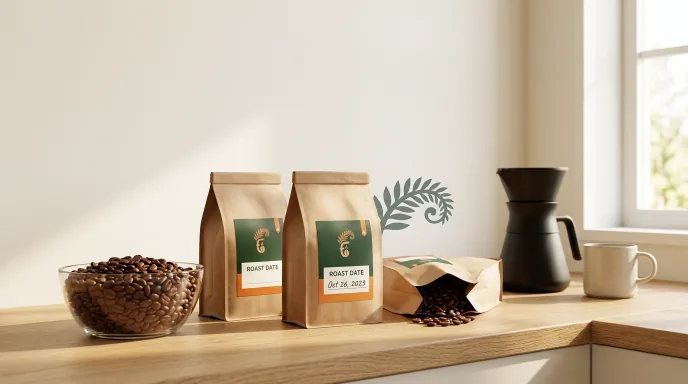
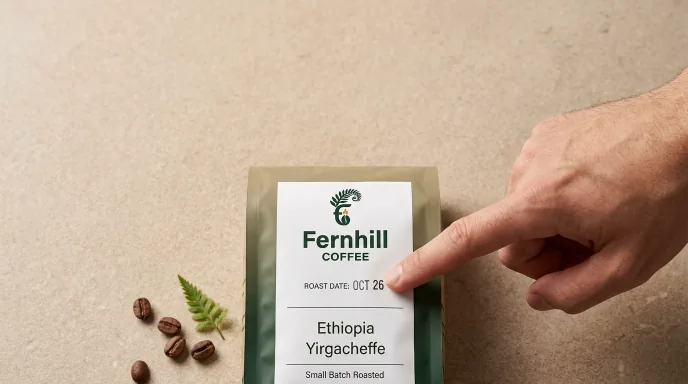
Product Story
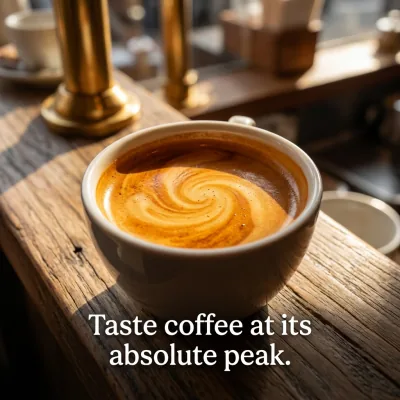
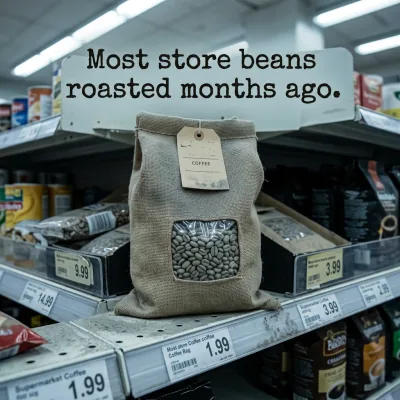
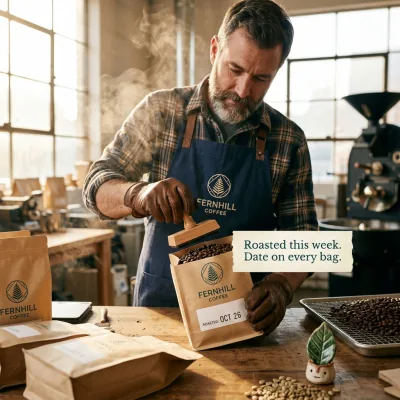
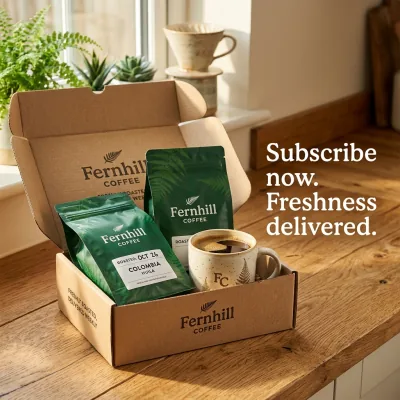
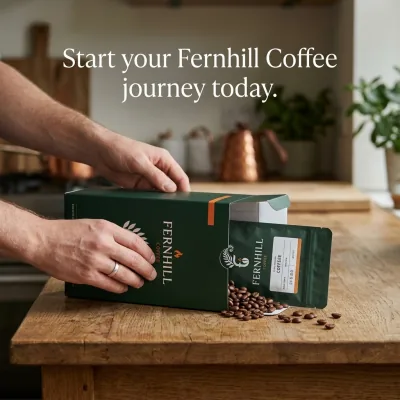
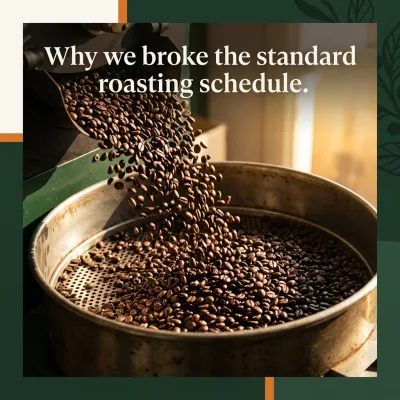
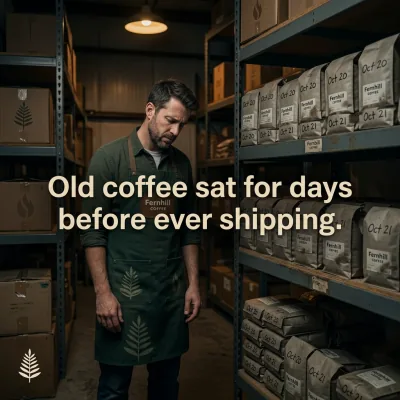
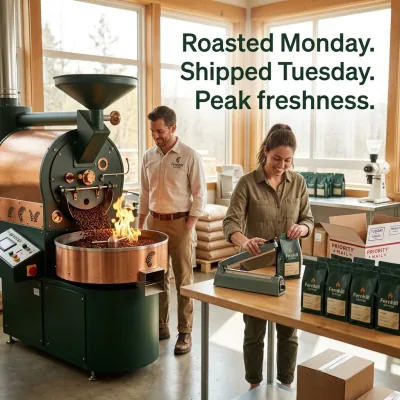
Educational Carousel
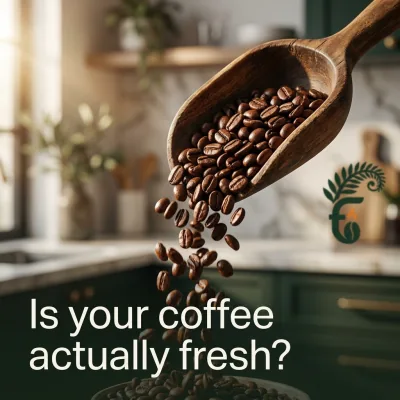



Brand Manifesto

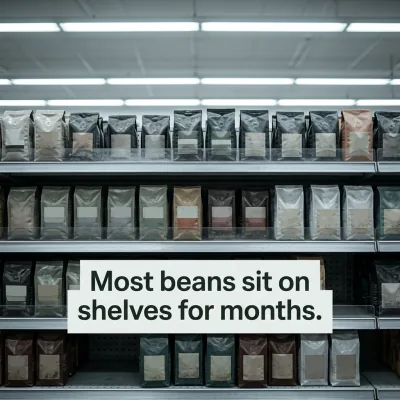

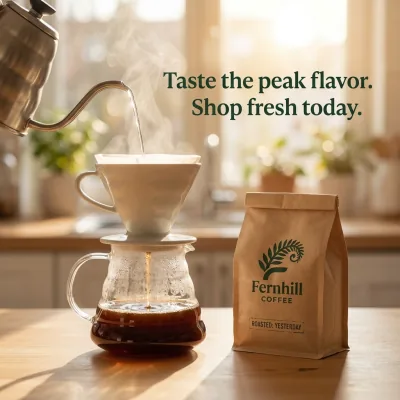
Customer Journey

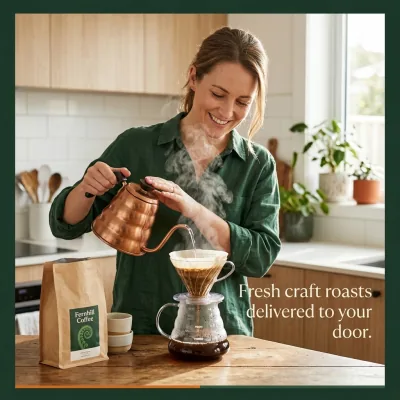
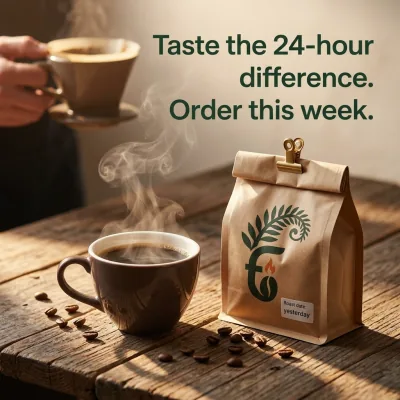


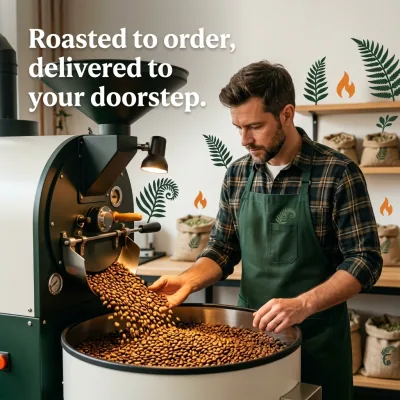
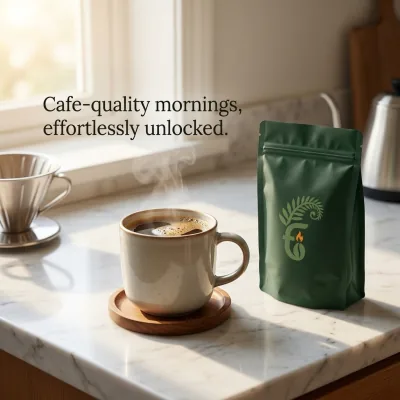
How it works
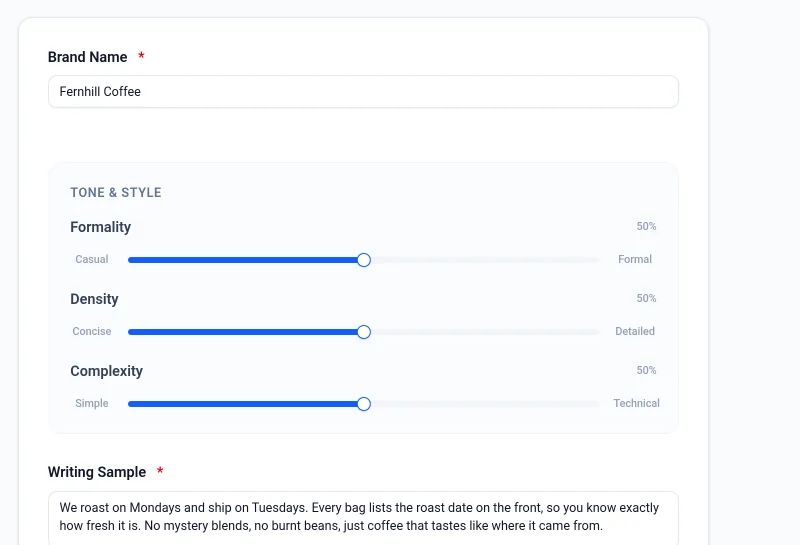
Step 1: Set up your brand voice
Name your brand, set formality, density and complexity, and paste a sample of your writing. WriteSpeed shows you a sample in that voice before you start.
Step 2: Give your brand a visual identity
Pick a style, and choose your colors or let WriteSpeed suggest them. You get a palette, fonts, a visual style and a logo concept. Once it is active, the images you generate follow it.
Step 3: Pick a template, get a tailored draft
You choose the format (Landing Page Hero, LinkedIn Post, Facebook Ad, Google RSA, Email Subject Lines or Product Feature) and write a short brief. WriteSpeed writes the full copy in your brand voice, so there is no blank template to fill in or rework by hand. For posts, ads, heroes and features it also generates a ready-to-use image, and you pick its format: social post, story, reel, slide template or email header.
Step 4: Tell a story in a carousel
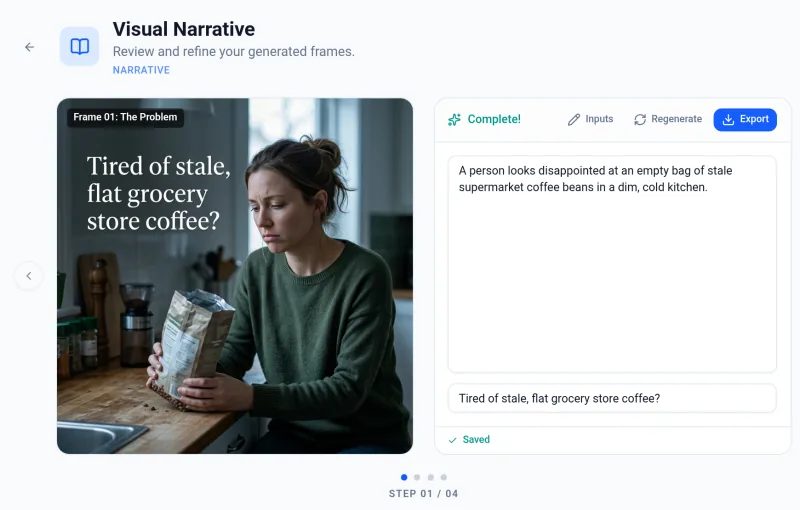
Pick a story type, like Product Story, Customer Journey or Founder Story. WriteSpeed outlines it frame by frame, for example Hook, Problem, Solution, CTA, and creates one image per frame for Instagram, LinkedIn or anywhere else.
Step 5: Refine the words and the images
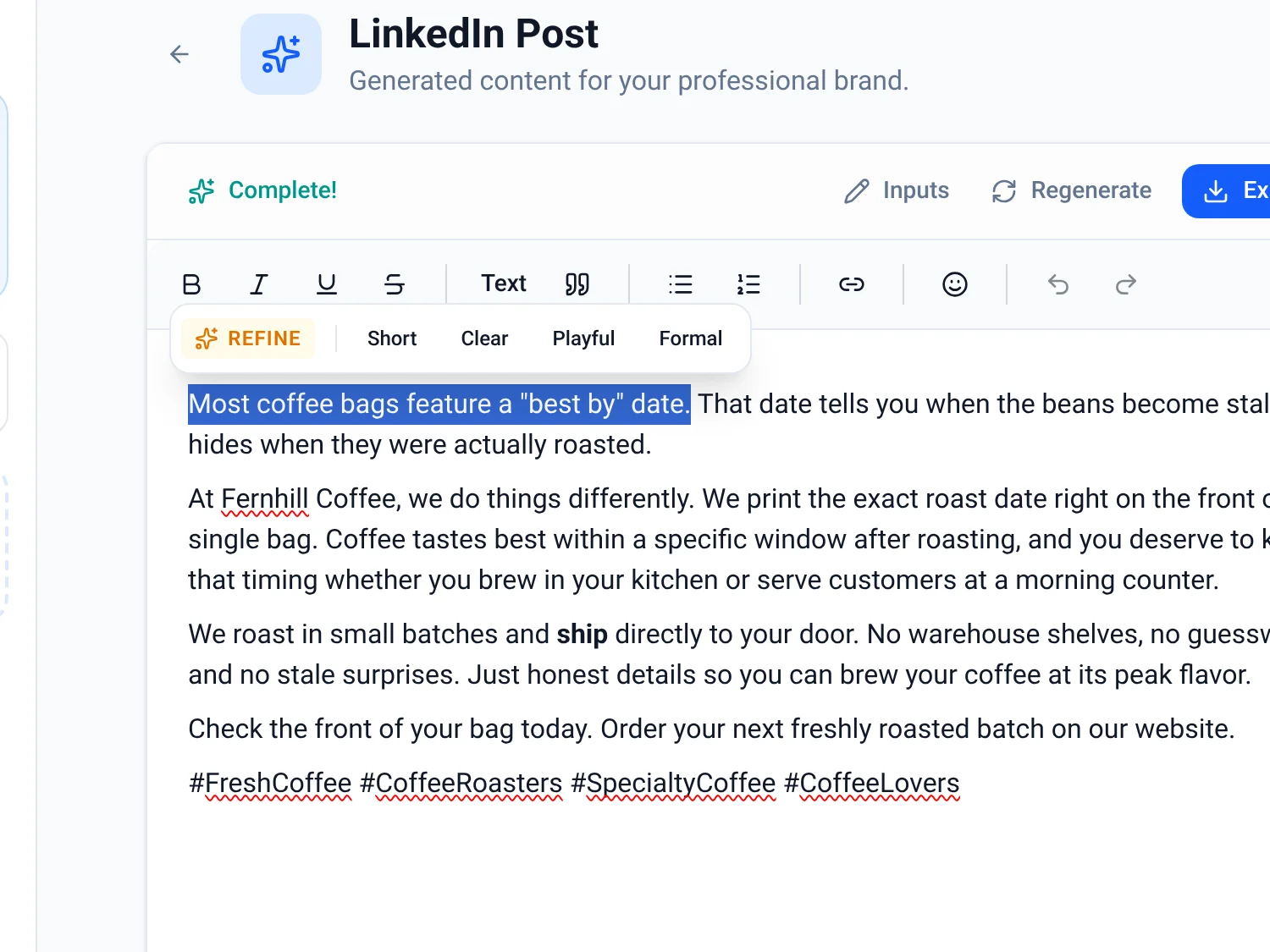
Select a sentence and choose Refine, or a quick option: Short, Clear, Playful or Formal. Open any generated image to crop, rotate or add text.
Step 6: Export or copy
Download copy as PDF, Word, HTML or Markdown, or copy it to your clipboard. Download your images and carousel frames.
Start free, upgrade when you need more
Free
/month
- 5 AI generations a day
- 3 image generations a day
- 5 refinements a day
- 3 exports a day per format (PDF, Word, HTML, Markdown)
- 5 minutes of voice dictation a day
- 5 minutes of read aloud a day
- 3 brand voices
Pro
/month
- 50 AI generations a day
- 20 image generations a day
- 50 refinements a day
- 25 exports a day per format
- 30 minutes of voice dictation a day
- 30 minutes of read aloud a day
- 25 brand voices
- Priority support
Questions
What is a brand voice?
It is how your brand writes. You name your brand, set formality, density and complexity, and paste a sample of your writing. WriteSpeed uses that voice for every draft.
What can I write with WriteSpeed?
Landing Page Hero, LinkedIn Post, Facebook Ad, Google RSA, Email Subject Lines and Product Feature copy, plus visual narratives: carousels for Instagram, LinkedIn or anywhere else. Posts, ads, heroes and features can include a matching image.
Can I edit what WriteSpeed writes?
Yes. Select a sentence and choose Refine, or a quick option: Short, Clear, Playful or Formal. You can also crop, rotate and add text to generated images.
What does the Free plan include?
Each day: 5 AI generations, 3 image generations, 5 refinements and 3 exports per format, with up to 3 brand voices. No credit card needed.
How do I get my content out?
Download copy as PDF, Word, HTML or Markdown, or copy it to your clipboard. You can download your images and carousel frames too.
How do I sign up?
With Google, GitHub or email. You start on the Free plan and can upgrade to Pro from the pricing page.
How is my data handled?
See our Privacy Policy and DPA.